
This guide covers what to do in the event that you are unable to add WordPress plugins due to the option to Add plugins is no longer visible in WordPress as per the screenshot attached.
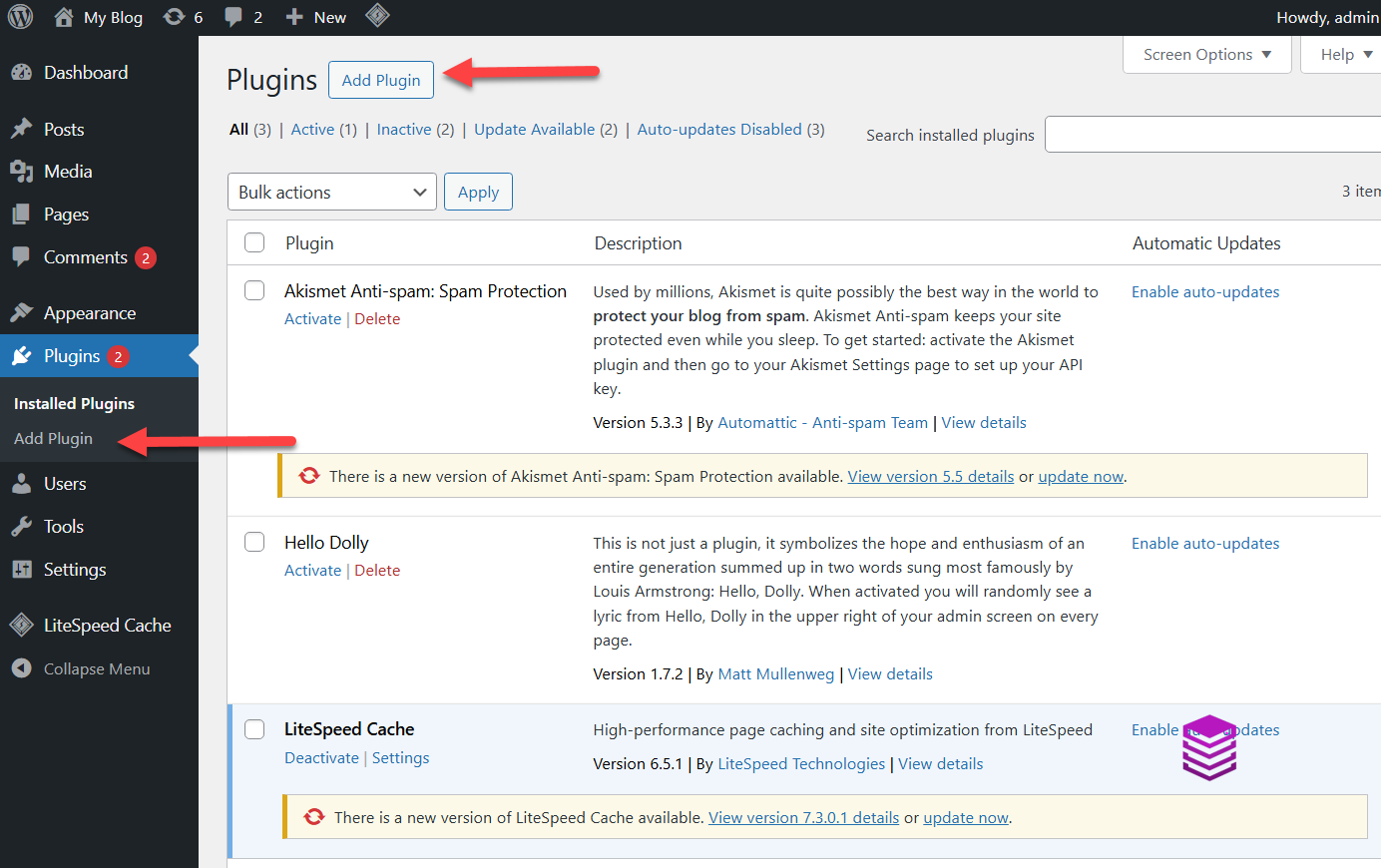
This is generally caused when the multi-site has been enabled for the WordPress installation.
In order to disable the multi-site you would need to edit your wp-config.php which can be located by using the file manager in either DirectAdmin or cPanel and navigating to your WordPress installation files or by using ftp. Please do not use the file manager within the client service area as this would be blocked by CloudFlare.
Once you have located the wp-config.php edit the file and edit the below line to false as shown below:
define( 'WP_ALLOW_MULTISITE', false );
define( 'MULTISITE', false );
Once you have edited these 2 lines please ensure to save the changes.
Please see the below link for a guide on how to locate the wp.config file in DirectAdmin:
https://client.absolutehosting.co.za/knowledgebase/629/How-to-locate-and-edit-the-wp.config-file-by-using-DirectAdmin.html