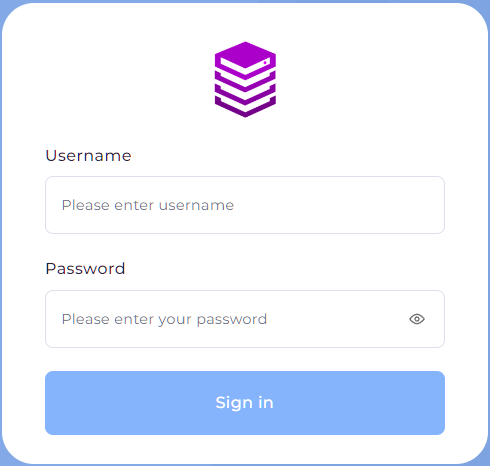
- Login into DirectAdmin and the login credential would have been included in your Service Activation email for your hosting package.
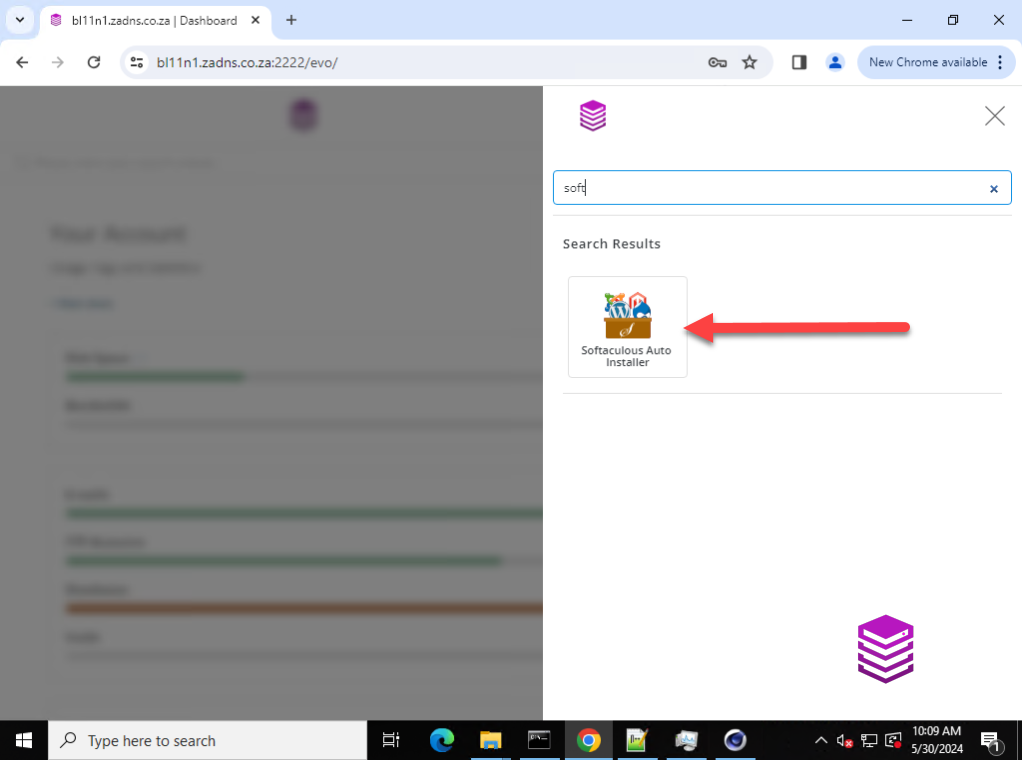
- Once logged into Directadmin please navigate to Softaculous Auto Installer
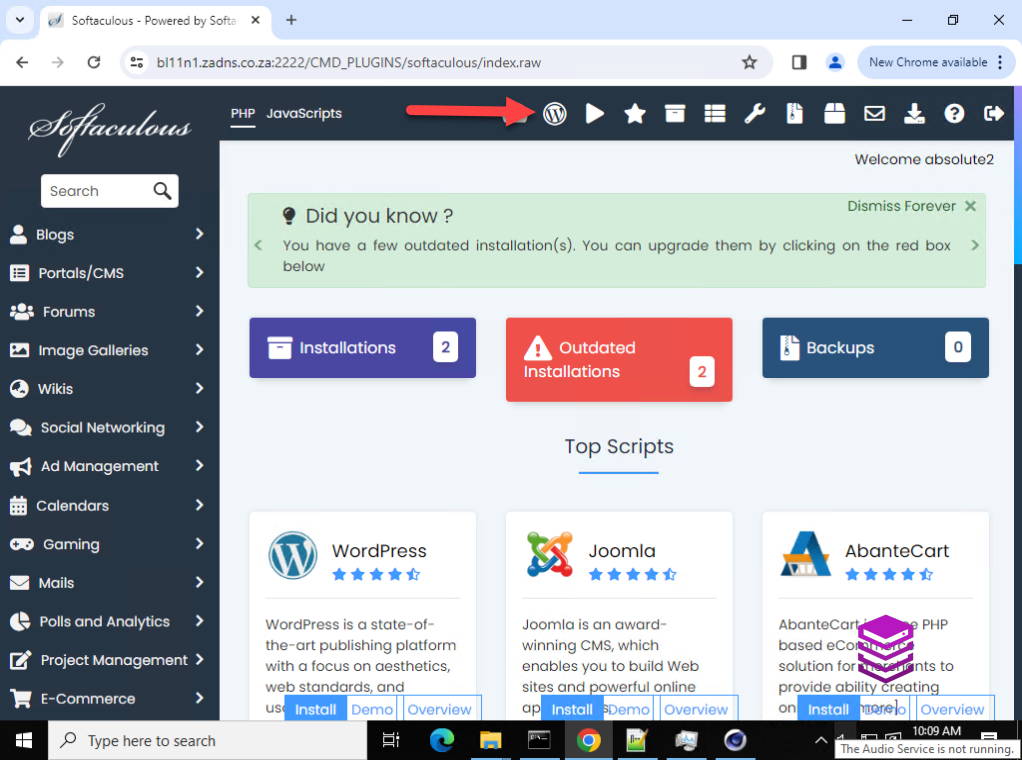
- After you have clicked on Softaculous Auto Installer you would then click on the WordPress icon at the top of the screen
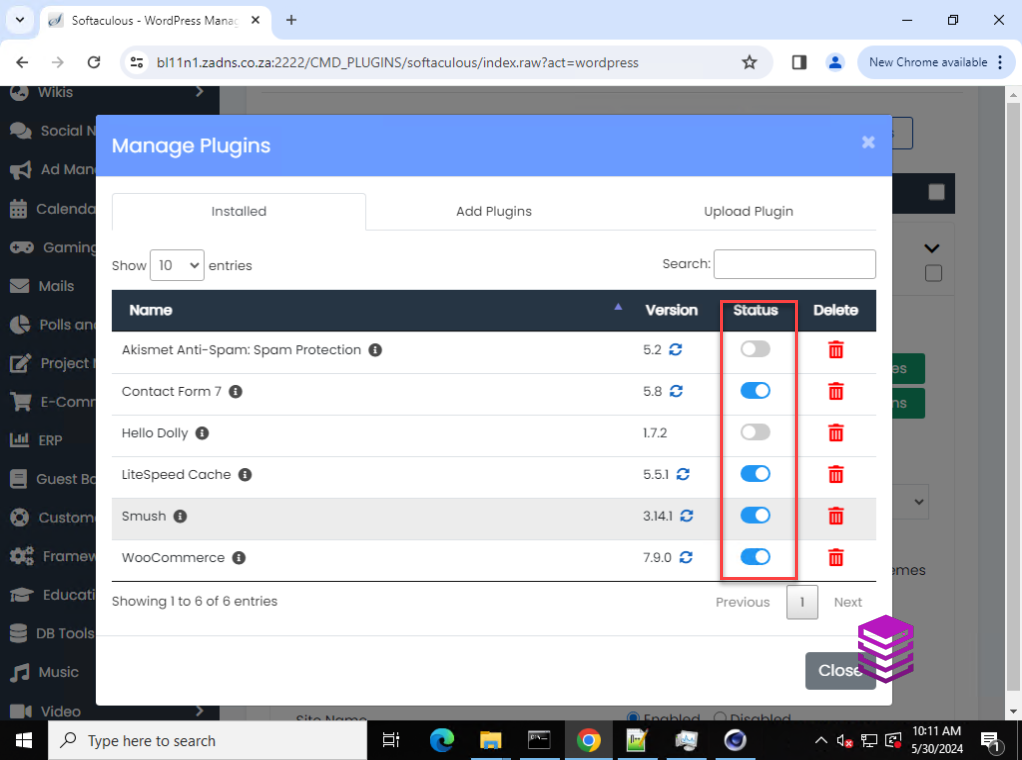
- Click on the downwards arrow next to your installation of WordPress and then on Manage Plugins
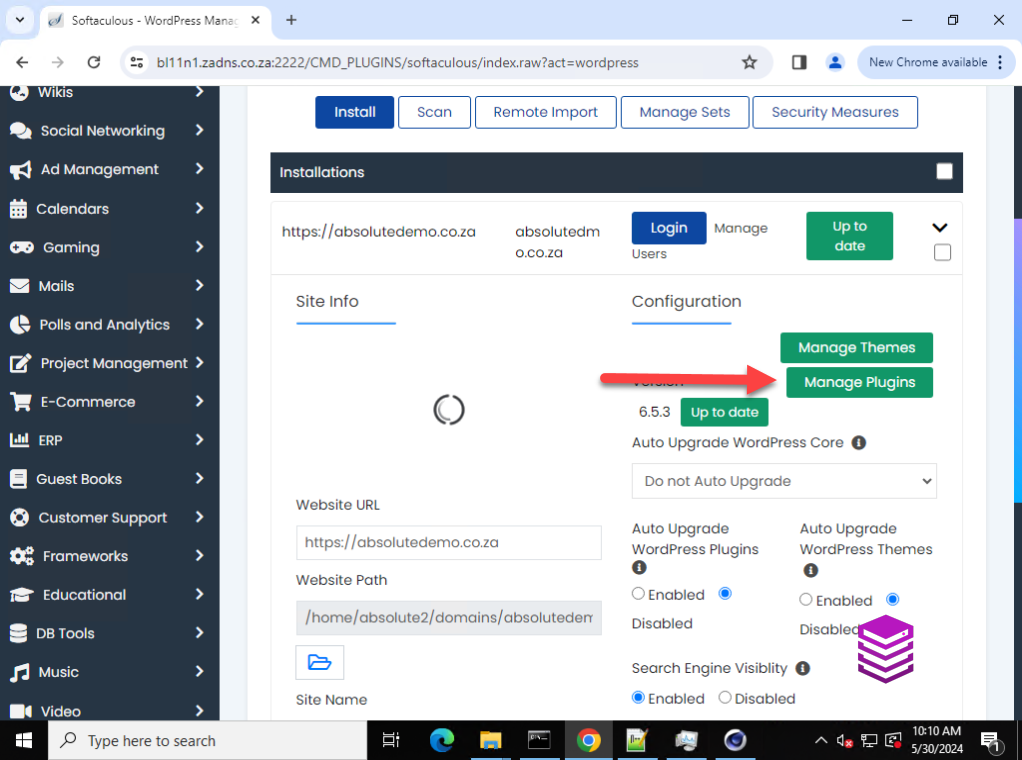
- Here you would be able to disable and enable plugins as required