
This guide will show you how to locate the wp.config file by using your DirectAdmin control panel
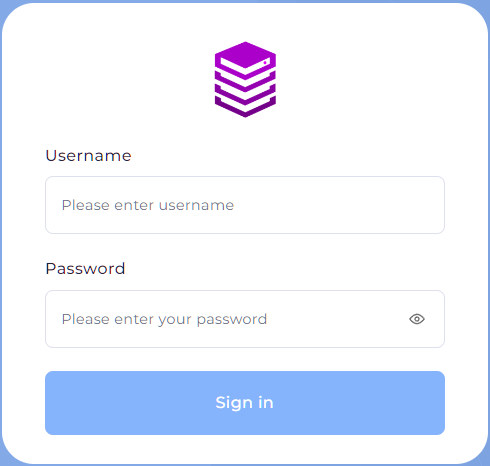
- Log into your Direct Admin control panel - these details can be located in the Service Activation email for your hosting package.
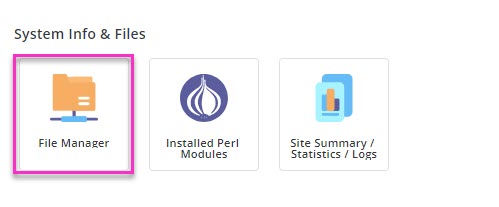
- Navigate to File Manager.
- Within the file manager, navigate to the Domains folder then to the domain experiencing the error then to the public_html folder.
- Within the public_html folder you should find the wp-config.php file.
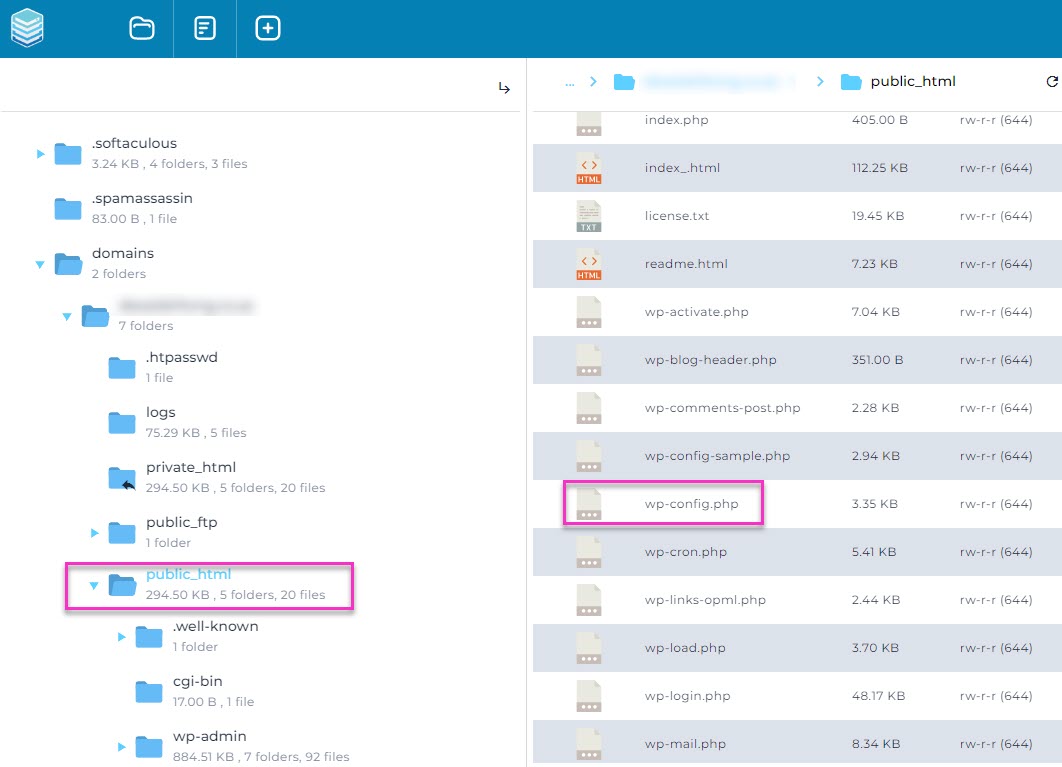
- Right click on wp-config.php and select Edit.
- You would then be able to edit the wp.config file as required.
- Click on Save File.