
This guide will walk you through how to ensure that changing the PHP version using the Select PHP version option within DirectAdmin functions correctly.
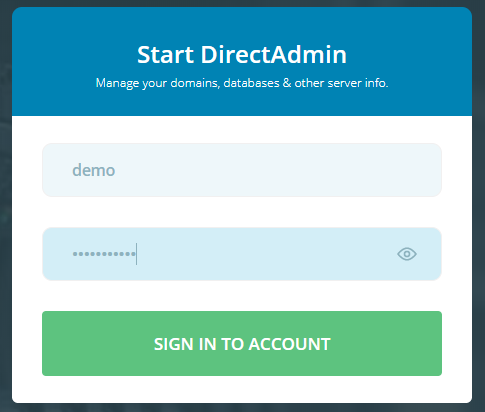
- Log into your DirectAdmin Control Panel.
- Use the drop down menu to the right to select the website you are working on if you have multiple websites created in your control panel.

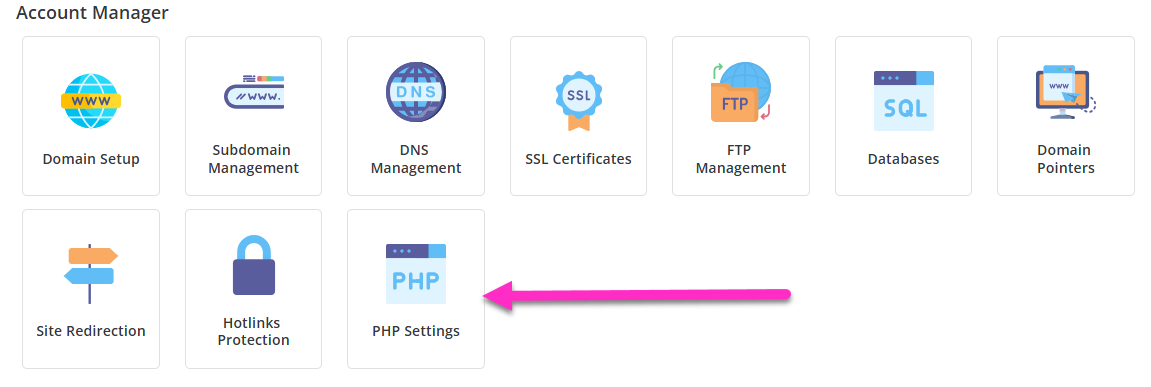
- Click on the PHP Settings button under the Account Manager section.
- Set the PHP Version to 7.3 using the drop-down menu.
- Click on the blue Update Version button.

You will now be able to set your desired PHP version using the Select PHP version tool within the Extra Features menu of your DirectAdmin dashboard by following the below linked guide.