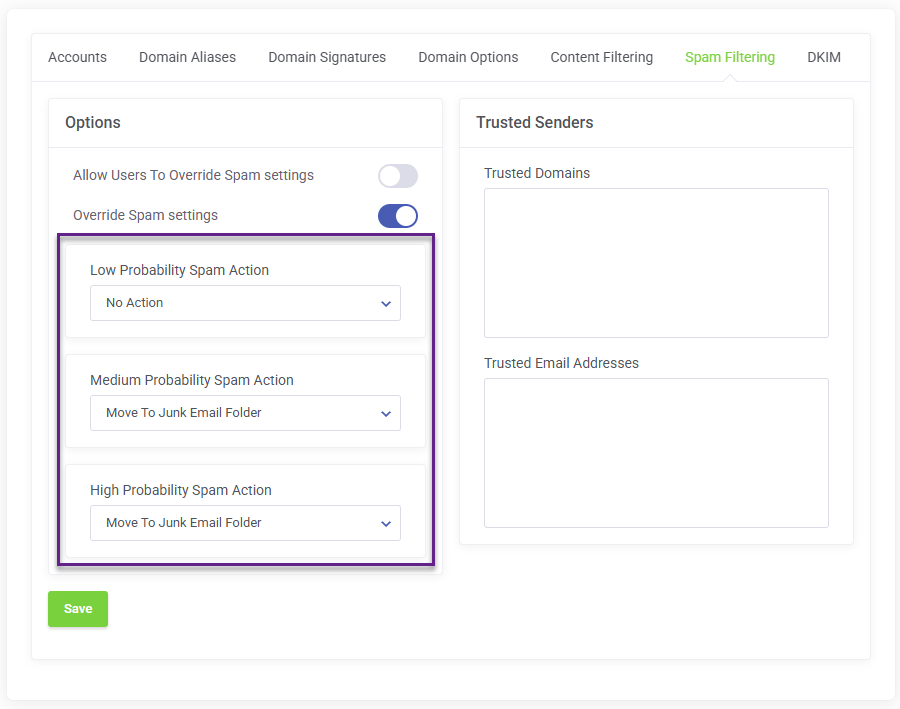
This guide will walk you through the steps required to modify spam scoring on a domain level for your Smarter Business Email Hosting.
Modifying a domain's spam scoring affects all email users on the mail domain.
Log in to the client service area and navigate to My Products & Services page.
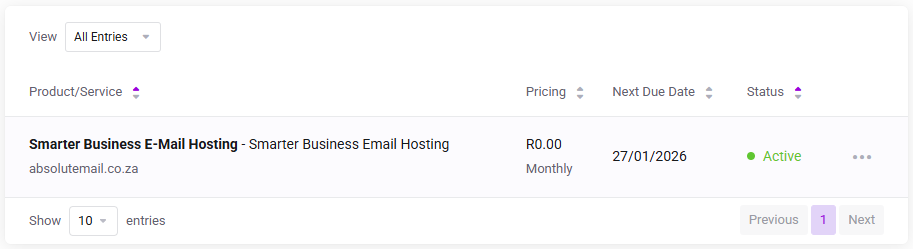
Click on the Smarter Business Email Hosting Service that you need to administer.
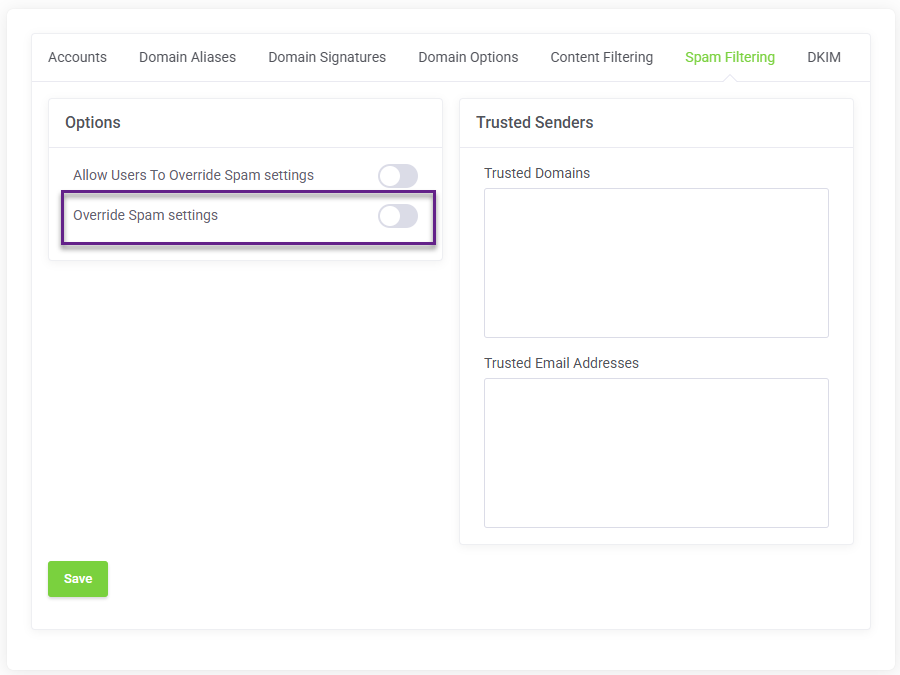
On the Service Management page, click the Spam Filtering tab and enable Override Spam Settings.
Now select the desired action for each spam scoring level and click Save.