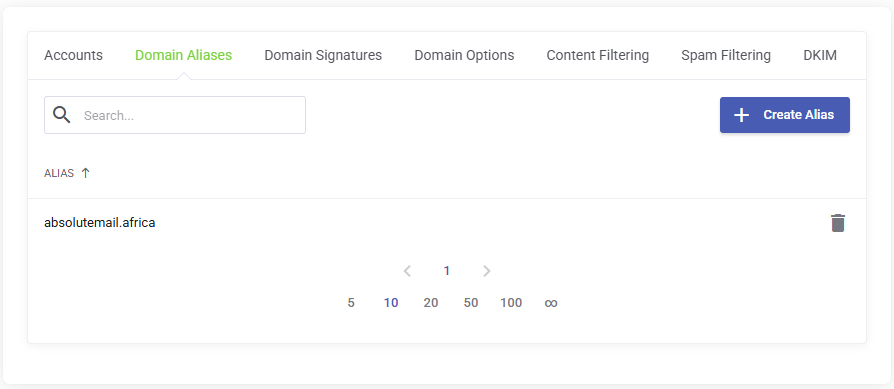
This guide will walk you through the steps to add domain aliases to your Smarter Business Email Hosting account.
Domain aliases allow you to send and receive email from multiple domains under a single hosted domain.
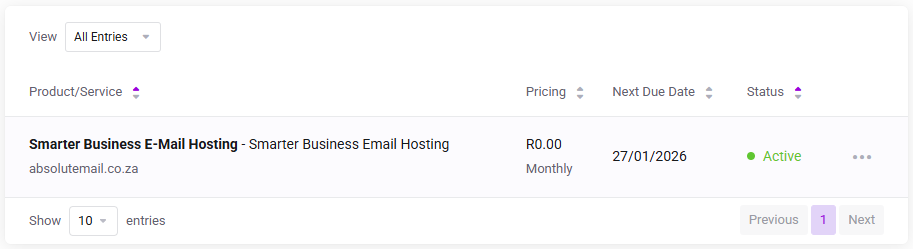
Log in to the client service area and navigate to My Products & Services page.
Click on the Smarter Business Email Hosting Service that you need to administer.
On the Service Management page, click the Domain Aliases tab.
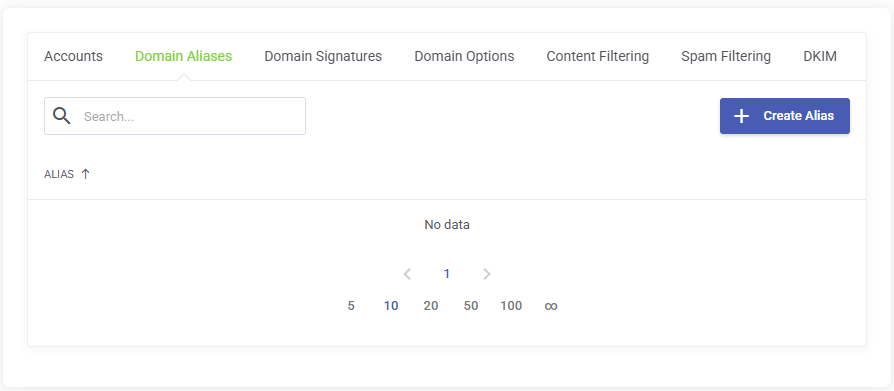
Click the Create Alias button, and on the pop up modal enter a valid domain name and click confirm.