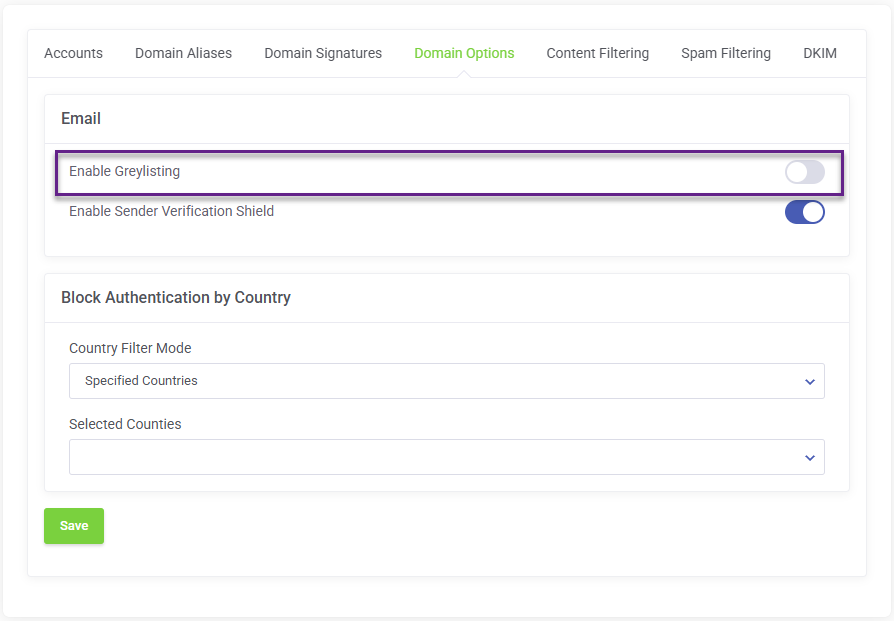
This guide will walk you through the steps to disable Greylisting for your Smarter Business Email Hosting account.
Greylisting is a mechanism used to prevent spam, how ever it does affect email delivery for inbound email and increase the time it takes for email to arrive in your inbox.
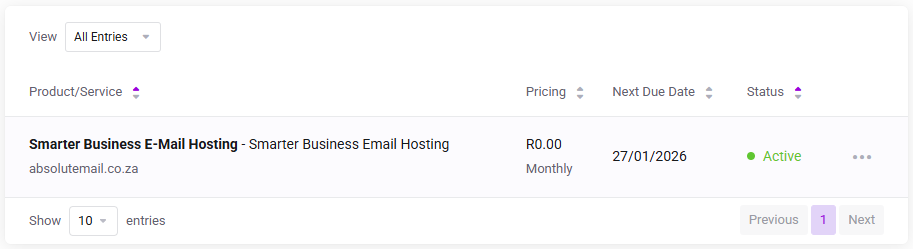
Log in to the client service area and navigate to My Products & Services page.
Click on the Smarter Business Email Hosting Service that you need to administer.
On the Service Management page, click the Domain Options tab and check to disable Greylisting and click Save