
This guide will show you how to check what versions of .Net you have installed on your Windows VPS by using command prompt.
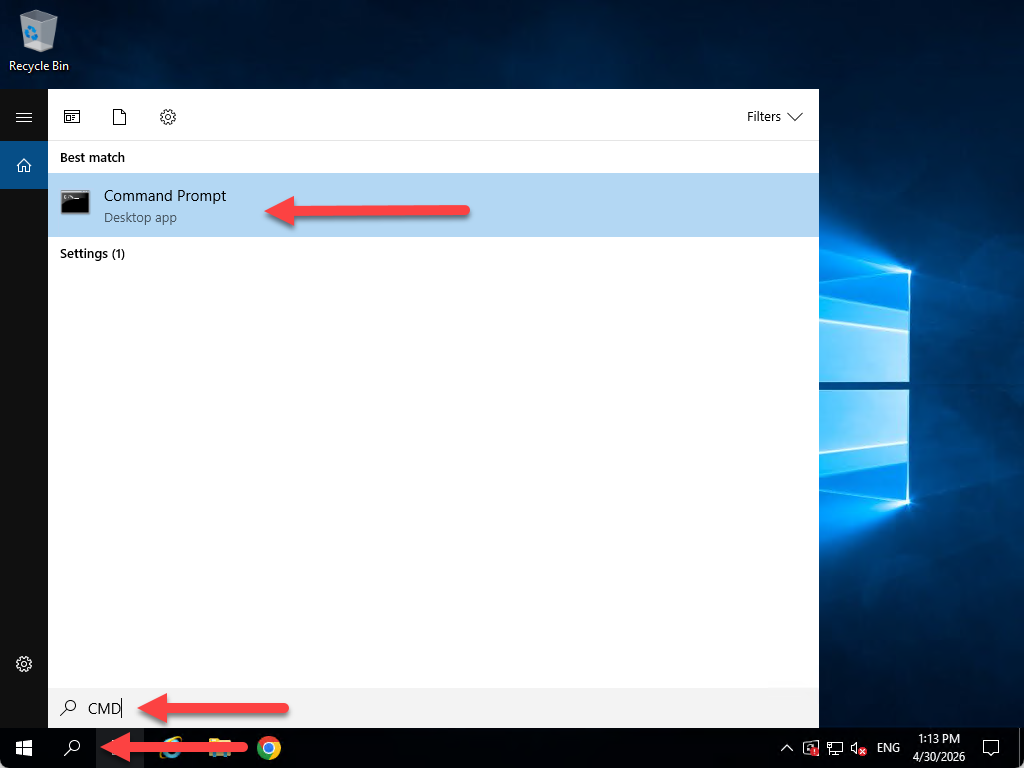
- Open your search bar and put in CMD and then click on command prompt.
- Once command prompt is open put in the command dotnet --list-runtimes and then push enter.
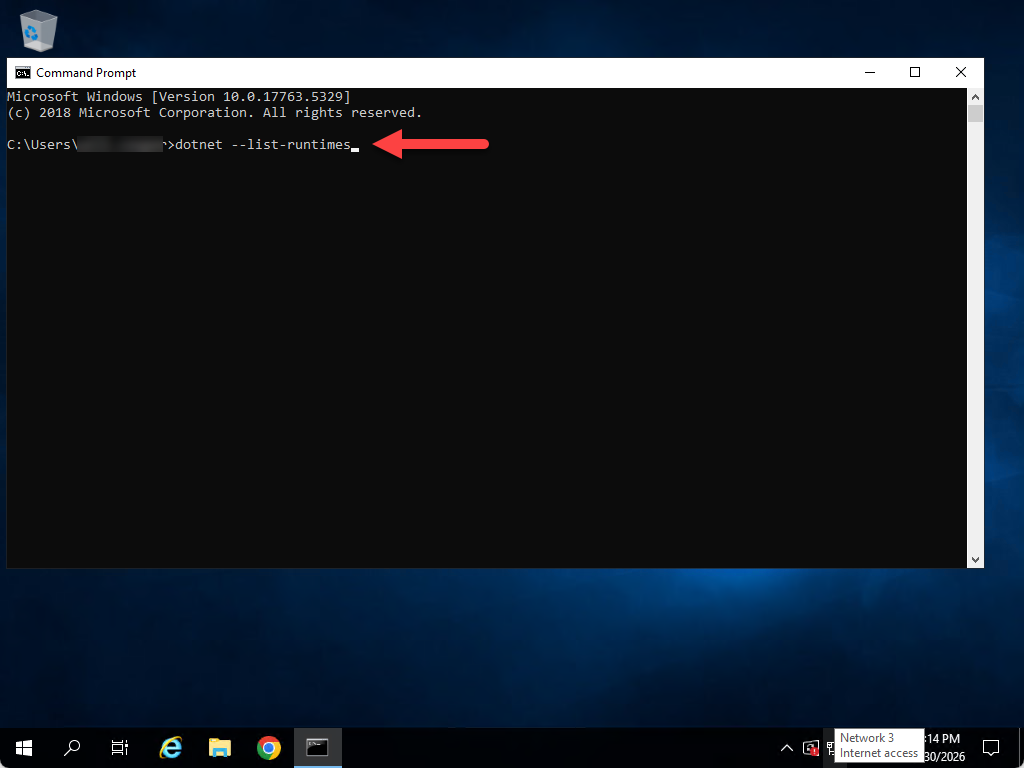
- Once you have run the command it would detail what versions of .Net are installed on your Windows VPS